Batch Fill PDF Forms
from Excel in Seconds
The only PDF filler that works inside Microsoft Excel. Fill thousands of tax forms, insurance certificates, HR documents, and more — directly from your spreadsheet.
Trusted by 30,000+ Excel users worldwide
Who Uses Power PDF Filler?
Tax Forms
Batch fill W-2, 1099-NEC, 1099-MISC, and other IRS forms directly from your Excel data.
Learn moreInsurance Forms
Fill ACORD certificates, policy applications, and claims forms for hundreds of clients at once.
Learn moreHR Documents
Process I-9, W-4, offer letters, and onboarding packets for entire teams in minutes.
Learn moreFinance & Compliance
Generate compliance reports, audit forms, and financial documents from your existing spreadsheets.
Learn moreWhy Choose Power PDF Filler?
Works Inside Excel
No uploading files to external tools. Select your data and fill PDFs without leaving your spreadsheet.
Batch Fill Thousands of PDFs
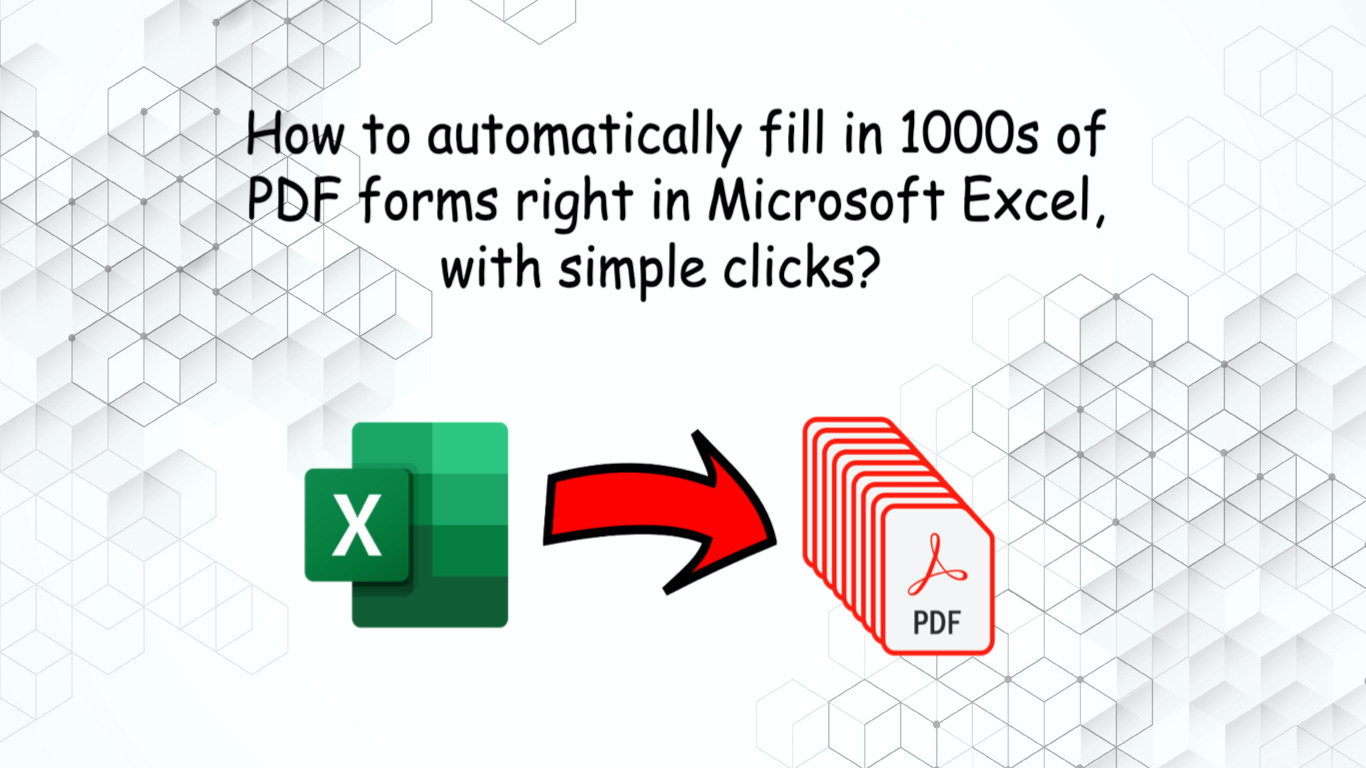
Fill hundreds or thousands of PDF forms in minutes. Each row in your spreadsheet becomes a filled PDF.
All Field Types Supported
Text fields, checkboxes, dropdowns, radio buttons, option lists — every PDF form field type works.
Save & Share Templates
Save your field mappings as templates. Share them with your team for consistent form filling.
Your Data Stays on Your Machine
Client-side processing in any modern browsers(e.g. Chrome/Edge) — your data never leaves your machine. Desktop Excel uses secure cloud processing with HTTPS and daily purging.
Works Everywhere
Excel on Windows, Mac, and the web. No desktop software to install, no dependencies.
How It Works
Select Your PDF
Load any fillable PDF form into the add-in. Power PDF Filler detects all form fields automatically.
Select & Map Your Excel Data
Highlight your spreadsheet data and map Excel columns to PDF fields. Save the mapping as a reusable template.
Click "Ready, Go!"
Power PDF Filler fills all your forms in seconds. Download individually or as a ZIP file.
What Our Users Say
“It is a huge time-saver and the output results are very well organized and easy to work with. Great value as well!”
Brian Benus
“Power PDF Filler has been a huge help in my day-to-day work. I deal with a lot of tax and financial forms, and this tool makes the process so much faster. Instead of typing the same information over and over, I just map my Excel sheet once and it fills all the PDFs perfectly.”
Emily S
“Awesome tool! I used it daily for over a year now. It saved me tons of time. I don't have to manually fill in the delivery forms any more.”
Michael Keller
Ready to stop filling PDFs manually?
Start your free trial — no credit card required.
Try Free on Microsoft Excel